

Wedding presets
I present to you an exclusive collection of photo presets, personally created and applied by me as a professional photographer. Each preset has been carefully tested to deliver the best possible results.
For who
These unique presets are designed to unlock the full potential of your photographs. Suitable for both beginners and experienced photographers, they allow you to edit images quickly and efficiently, giving them a distinctive style and a unique atmosphere.
Who are our presets for?
My presets are ideal for anyone who wants to quickly enhance the quality of their photos. Whether you’re a beginner or an experienced photographer, these presets will help you achieve professional results in less time, adding a unique style and a distinctive atmosphere to every image.
About
The collection includes a wide variety of presets, ranging from bright, high-contrast colors to soft, pastel tones. You can easily experiment to create unique looks for portraits, landscapes, subjects, and much more.
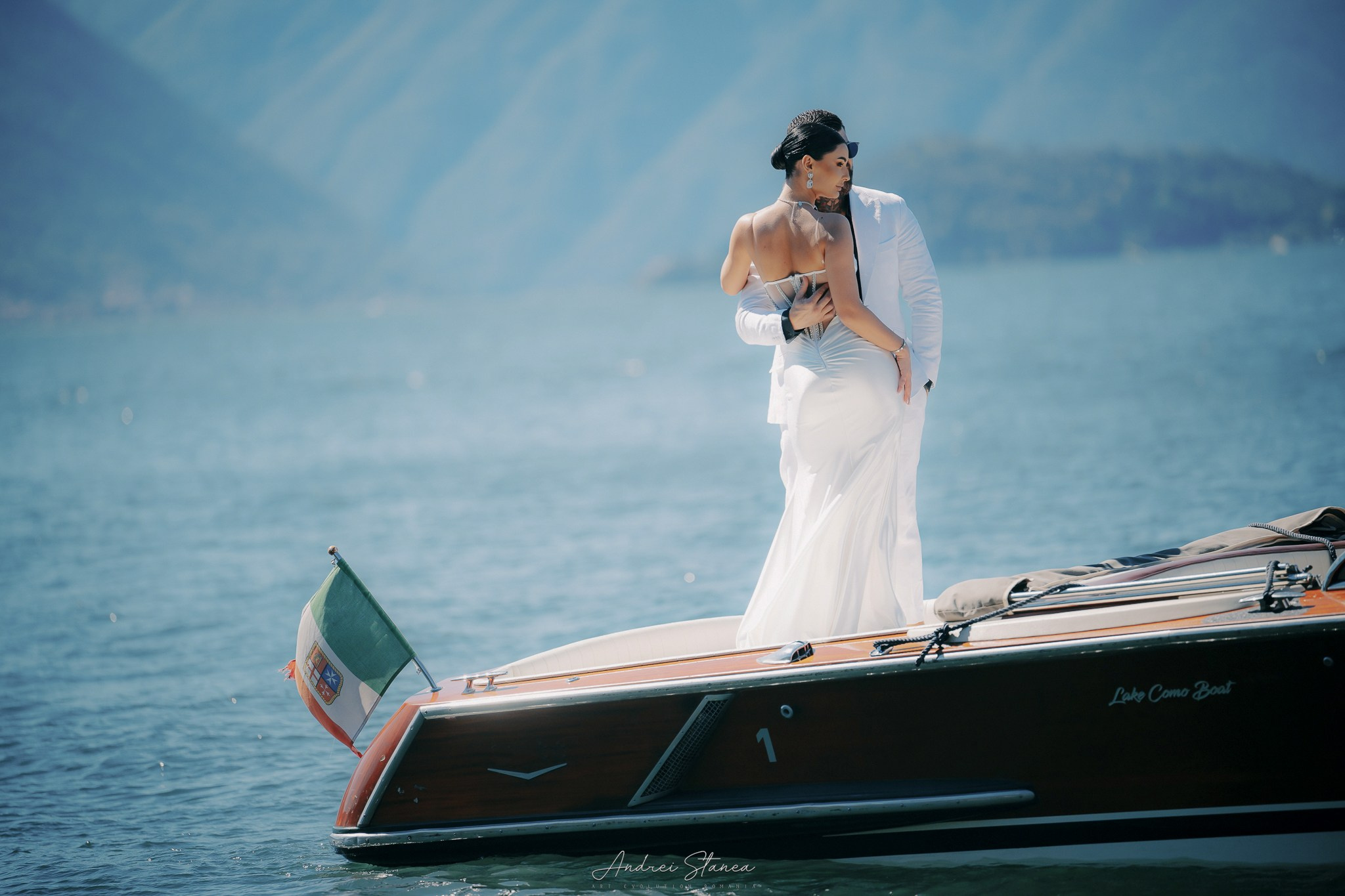
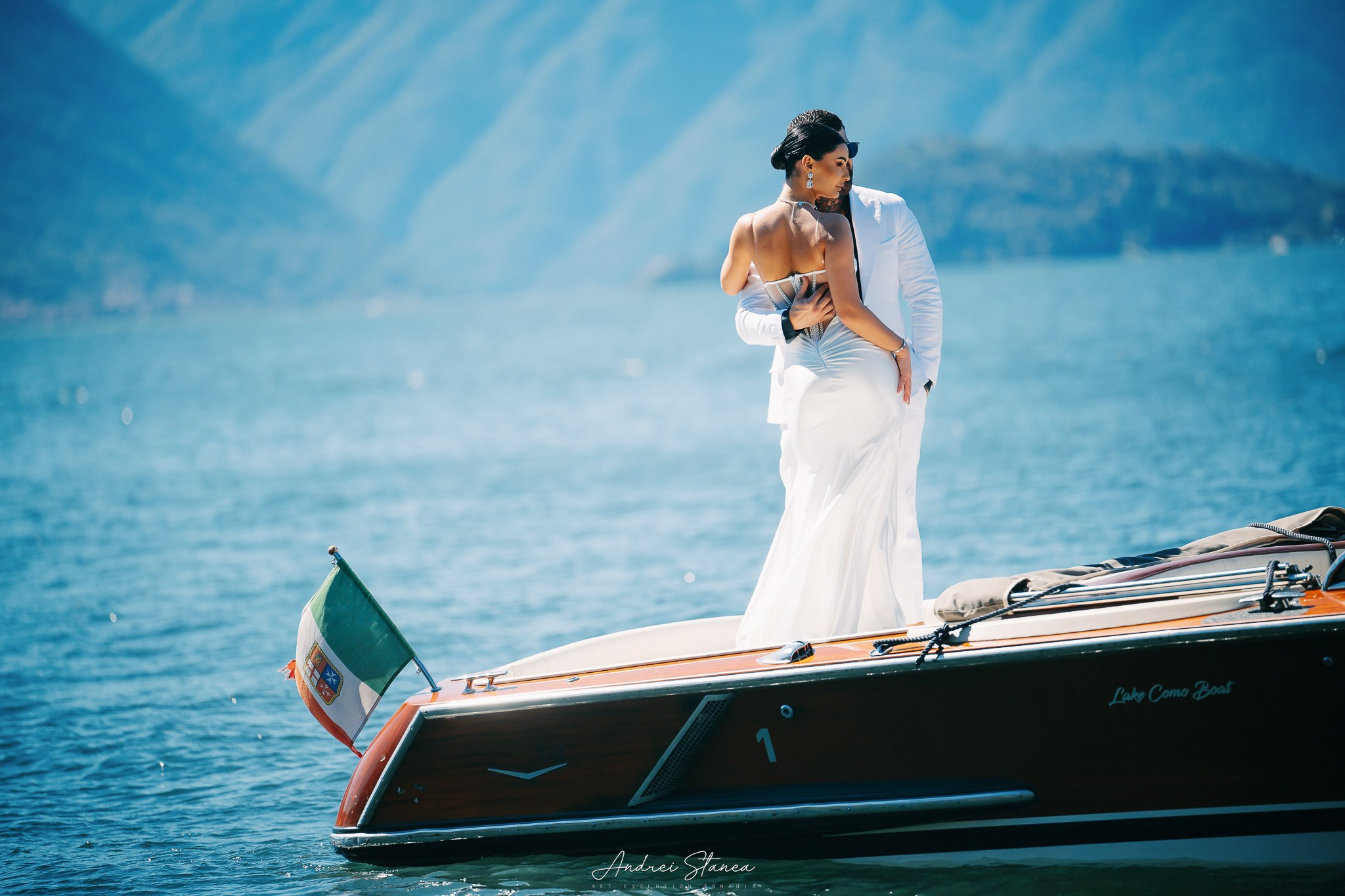
SET № 1
Vintage
Color correction: warm tones, subtle grain. Compatible with Lightroom and Photoshop.
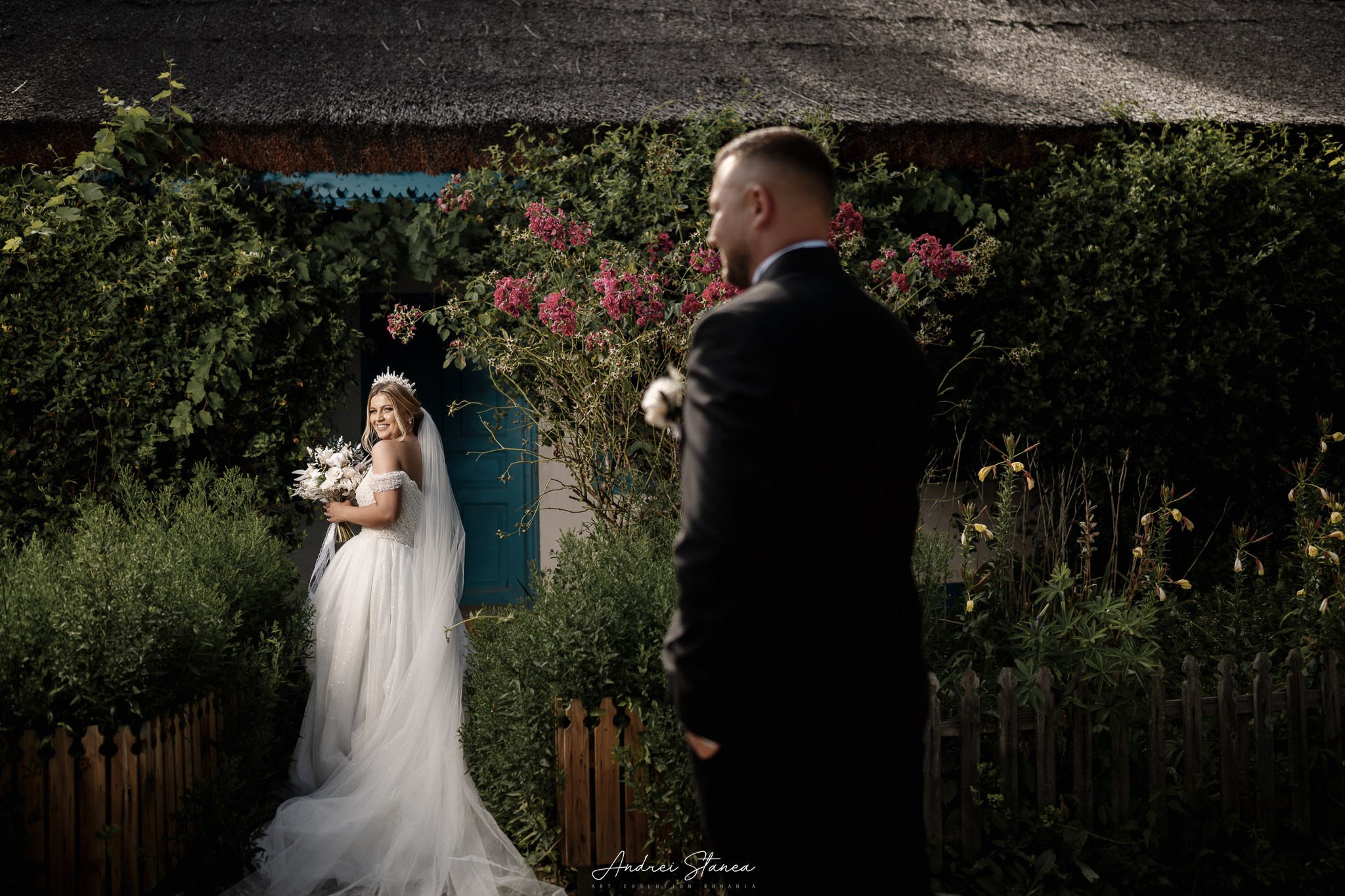
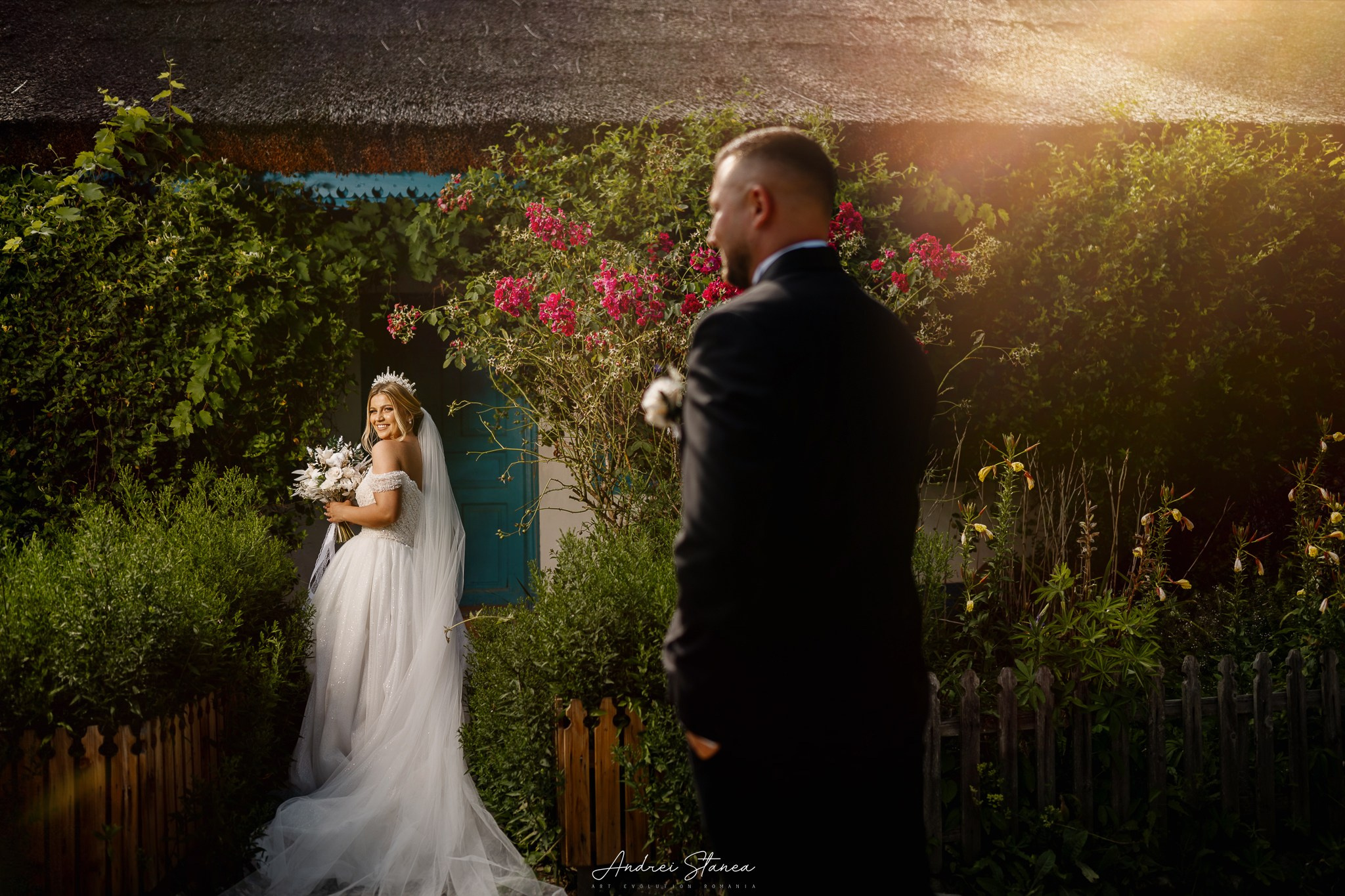
SET № 2
Color
Color correction: bright and saturated tones. Perfect for outdoor photo sessions and landscapes. Compatible with Lightroom and Photoshop.
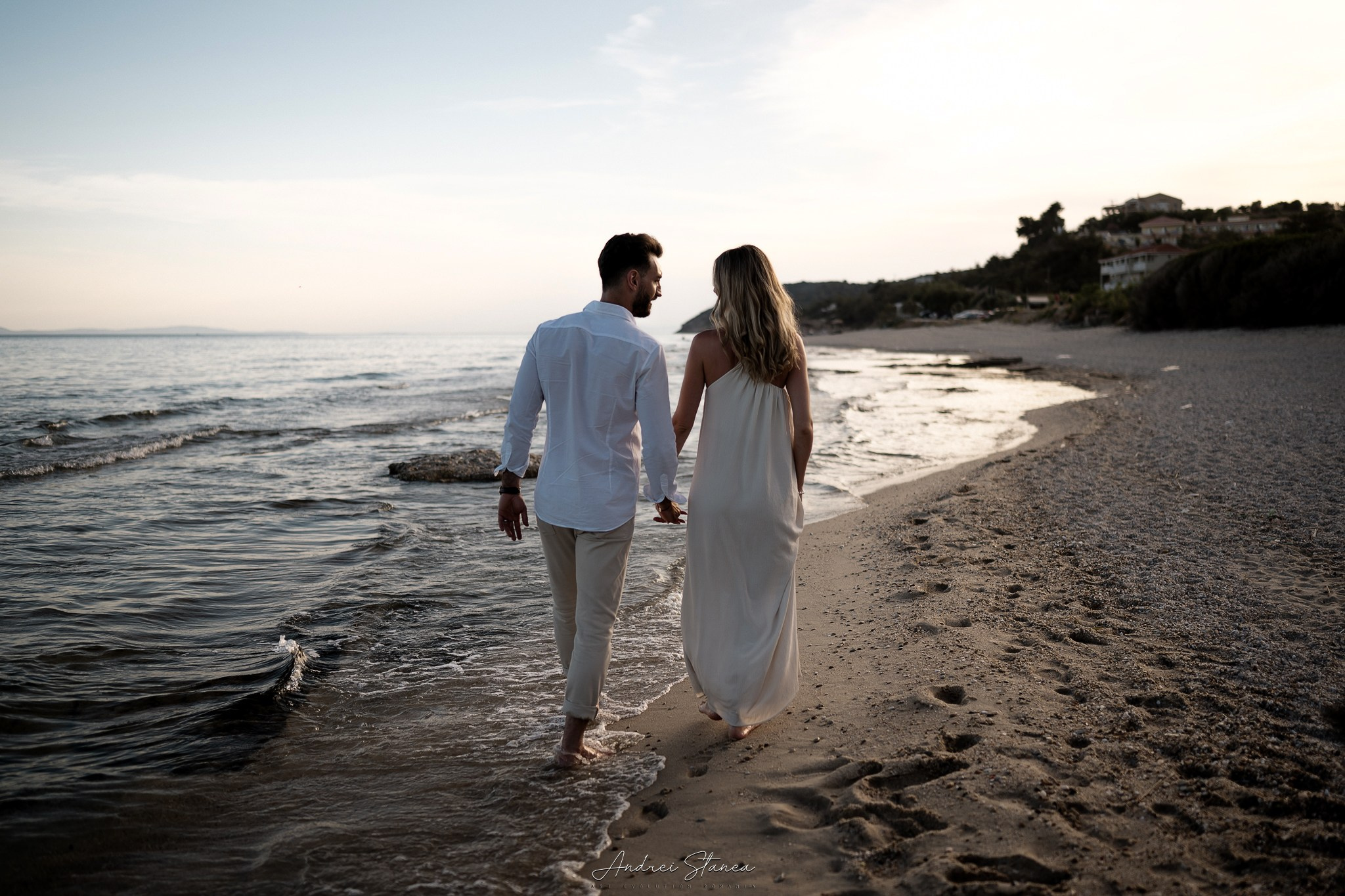
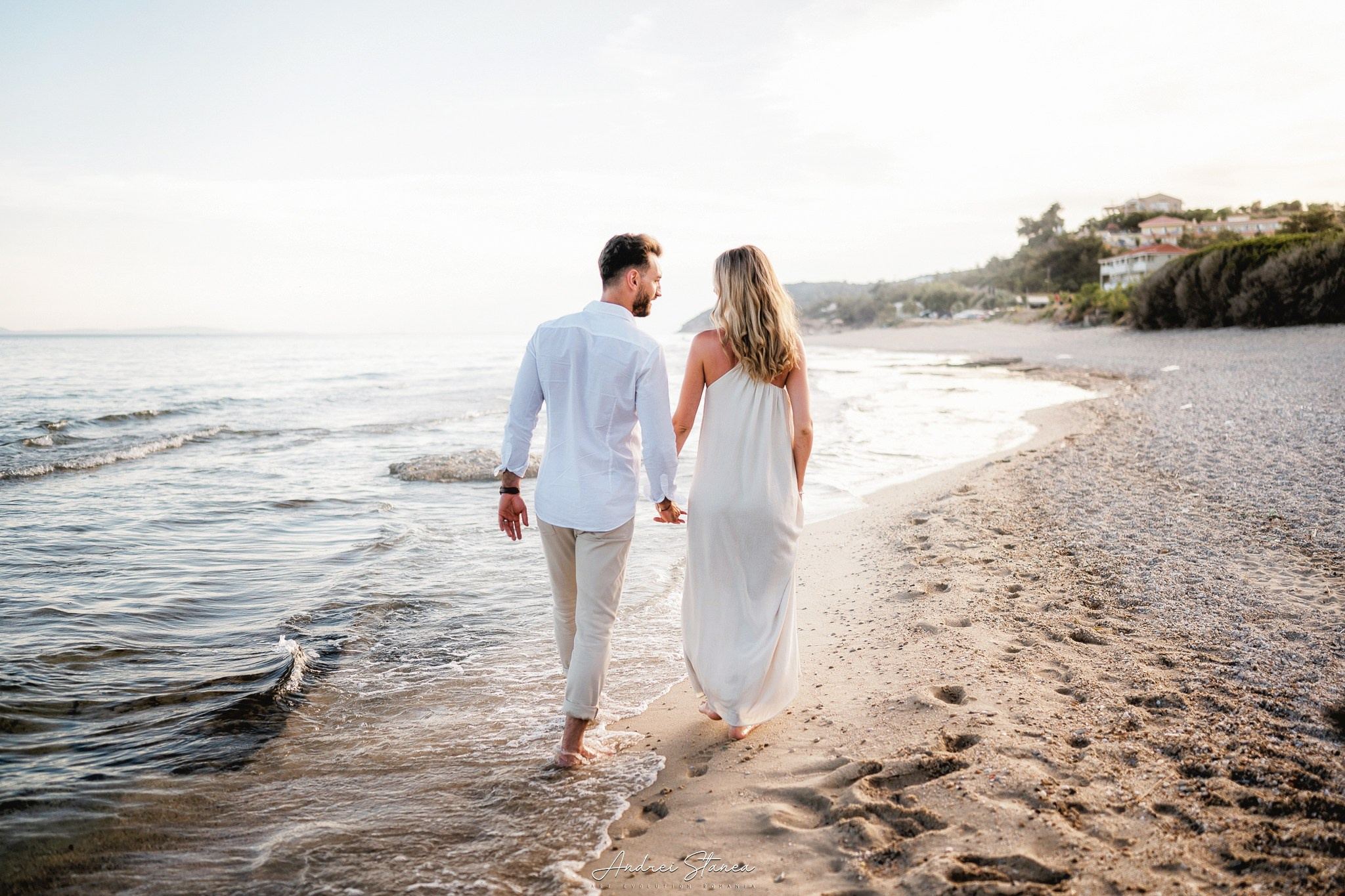
SET № 3
LIGHT
Color correction: soft lighting and gentle contrast. Suitable for portraits. Presets created for Lightroom and Photoshop.
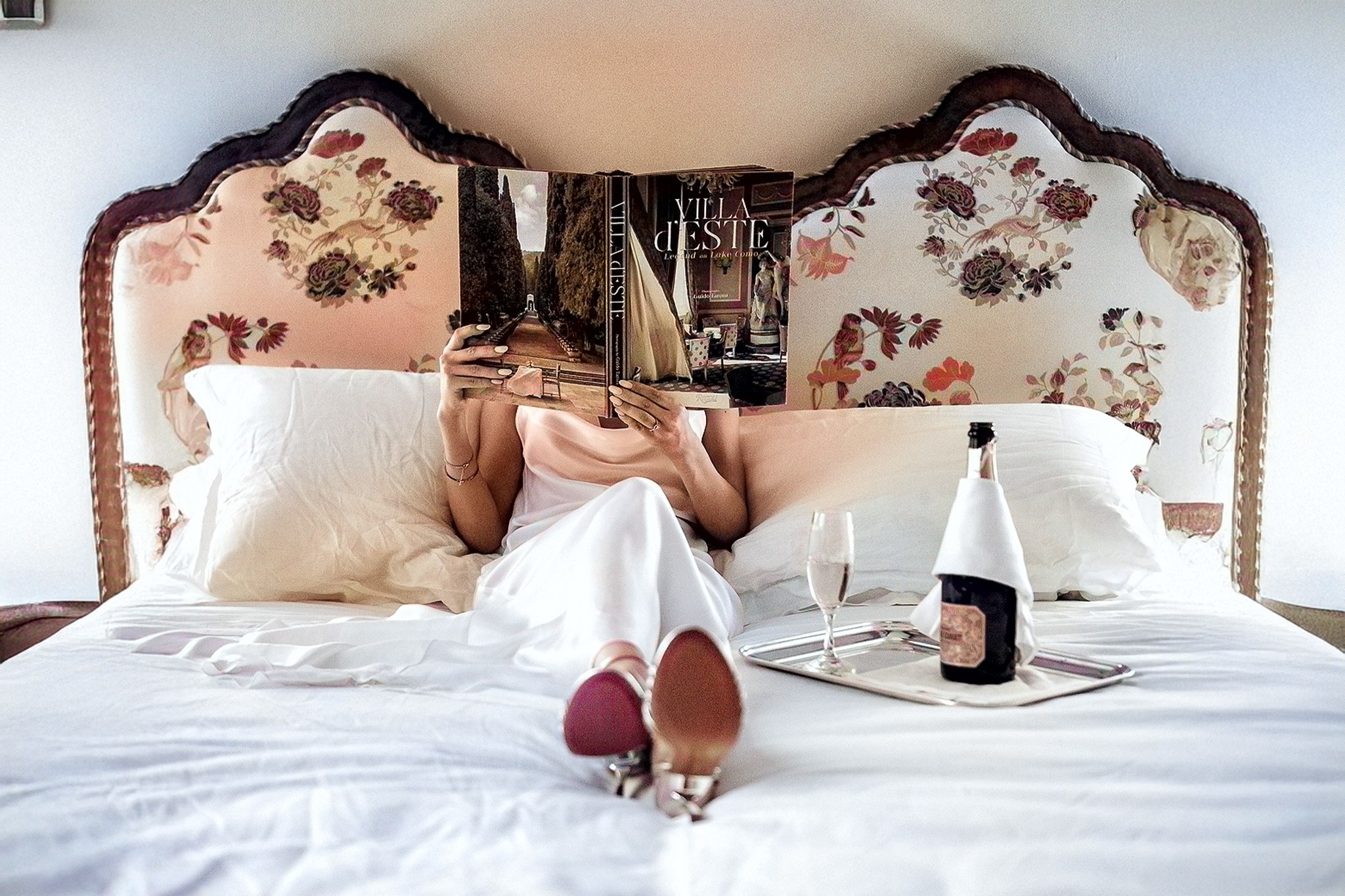
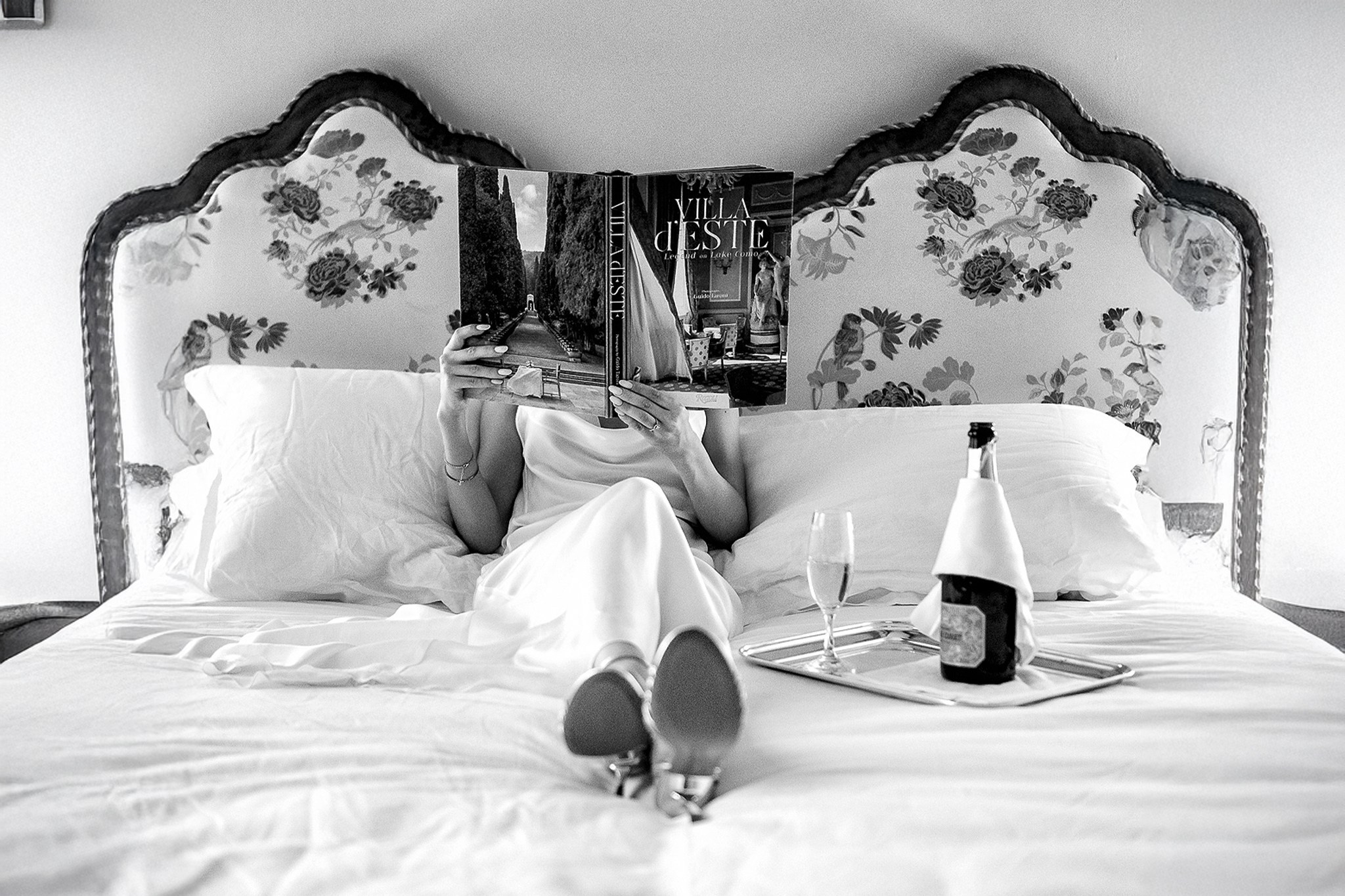
B & W
Color correction: delicate black-and-white tones with subtle contrast. This preset adds depth and emotion to every image, making it ideal for portraits and landscapes that convey a distinctive atmosphere. Compatible with Lightroom and Photoshop.
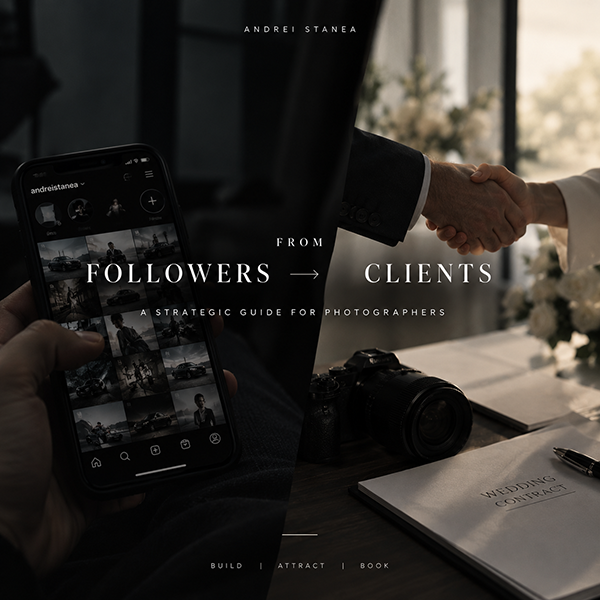
from FOLLOWERS to CLIENTS
From Followers to Clients is a practical guide created for photographers who want to turn their online presence into more than just views, likes, and followers — but into a real source of clients and bookings.
You’ll discover how to build a brand that inspires trust, position yourself to attract the right clients, and use your content and social media with a clear purpose: to grow your photography business.
Everything inside is built from a photographer’s perspective, with practical strategies you can apply to your own business — whether you’re just getting started or already have experience but feel like your online presence isn’t generating the results it should.
You don’t just need more followers. You need the right people to follow you, trust you, and ultimately choose you as their photographer.
F A Q
Answers to your questions
I’d be happy to answer your questions about the presets!
How do I install the presets?
Go to the “Settings” menu and select “Import Presets.” Locate the preset file and import it.
How do I set up the presets for the mobile version?
The presets are compatible with the mobile version of Lightroom; you just need to import them the same way as on the desktop version.
How can I customize the presets?
You can adjust the brightness, contrast, and saturation settings after applying a preset to achieve the desired effect.
Are the presets compatible with black-and-white photos?
Some presets may work, but for the best results, I recommend using presets specifically designed for black-and-white photos.